How to Connect MetaMask to QuickSwap

Table of Contents
QuickSwap is a decentralized exchange (DEX) built on the Polygon blockchain, and many beginners want to understand how to connect MetaMask to swap tokens, provide liquidity, or access other decentralized finance (DeFi) features. Connecting a wallet is one of the first steps to using QuickSwap safely. This article is for informational purposes and does not constitute financial advice. Before interacting with DeFi platforms, always Do Your Own Research (DYOR) and understand the risks involved.
For more insights and updates on the latest cryptocurrency trends, be sure to check out our Nifty Finances platform, your gateway to smarter financial decisions in the digital economy.
What Is QuickSwap?
QuickSwap is a decentralized exchange operating on the Polygon network. It allows users to trade cryptocurrencies directly from self-custody wallets without using a centralized exchange.
The platform uses automated market maker (AMM) technology, which relies on liquidity pools rather than traditional order books to process token swaps.
QuickSwap supports activities such as:
- Token swaps
- Liquidity provision
- Yield farming
- Reward programs
Wallet connectivity is essential because all platform interactions require users to sign blockchain transactions from their wallet.
How to Connect MetaMask to QuickSwap
Connecting MetaMask to QuickSwap involves preparing a compatible wallet, ensuring the Polygon network is enabled, funding the wallet with supported tokens, and approving a connection request through the QuickSwap interface.
Because QuickSwap is non-custodial, it does not hold user funds directly. Instead, users connect their own wallet and approve transactions when interacting with the platform. This gives users control over their assets but also requires careful wallet security and awareness of phishing risks.
Before getting started, users should always verify website URLs and ensure they are using official applications.
What Is MetaMask?
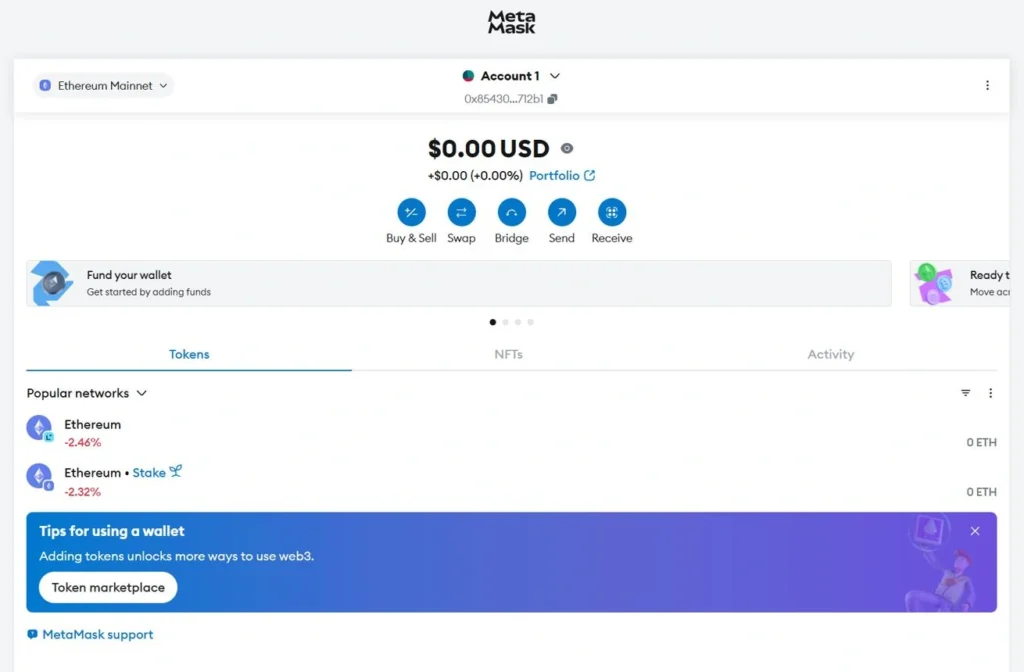
MetaMask is a self-custody Web3 wallet used for storing cryptocurrencies, managing blockchain assets, and connecting to decentralized applications.
Unlike custodial wallets managed by exchanges, MetaMask gives users direct control of their private keys and recovery phrase. This means users fully control access to their funds.
MetaMask supports multiple blockchain networks, including Ethereum-compatible networks such as Polygon, making it widely used for DeFi applications.
Install and Secure MetaMask
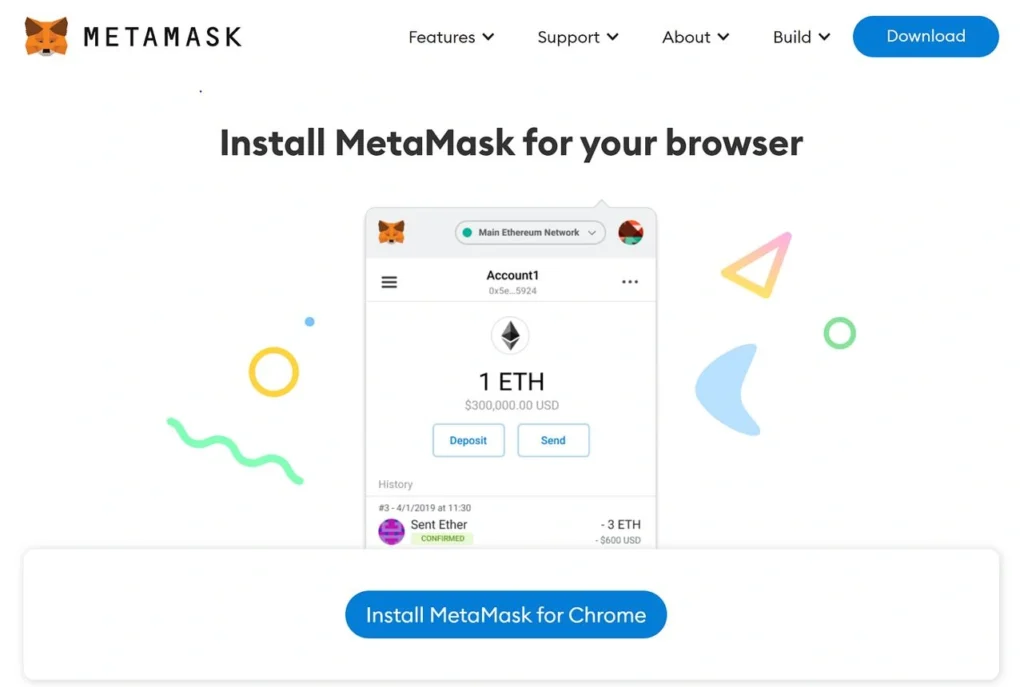
Users can install MetaMask as a browser extension or mobile application.
The setup process usually includes:
- Installing the wallet application
- Creating a new wallet
- Setting a strong password
- Backing up the recovery phrase
The recovery phrase (also called a seed phrase) is extremely important. It should be stored securely offline and never shared.
Anyone with access to the recovery phrase or private keys can control wallet funds. For additional security, some users connect MetaMask to hardware wallets.
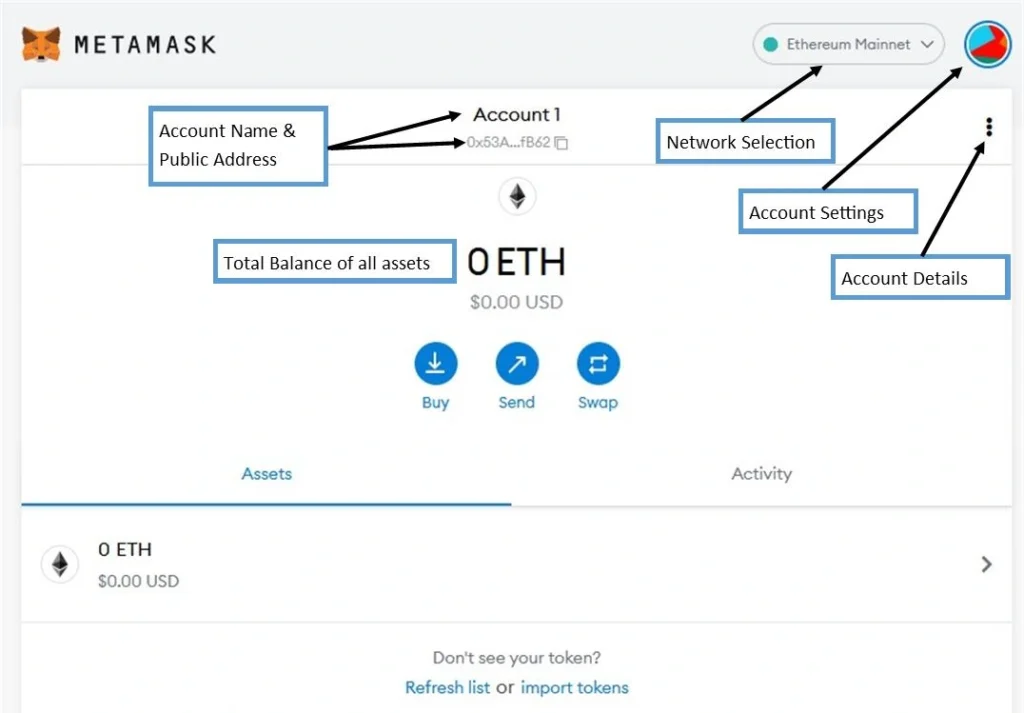
Add the Polygon Network to MetaMask
QuickSwap runs on Polygon, so MetaMask must be connected to the correct network.
Some MetaMask versions allow users to add Polygon automatically when connecting to supported decentralized applications. Alternatively, users can manually switch or configure the Polygon network through MetaMask’s network settings.
Before using QuickSwap, confirm the wallet is set to Polygon instead of the Ethereum mainnet or another network.
Using the wrong network may prevent transactions from completing properly.
Fund MetaMask With MATIC and Supported Tokens
Before using QuickSwap, users need funds in their wallet.
The most important asset is MATIC, which is used to pay Polygon gas fees. Without MATIC, users cannot approve transactions or complete swaps.
Users may fund MetaMask by:
- Buying crypto on exchanges such as Coinbase or Binance
- Withdrawing assets directly to Polygon
- Bridging tokens from another blockchain
Users can also transfer other supported tokens for trading or liquidity provision.
Connect MetaMask to QuickSwap
Once MetaMask is ready, users can connect it to QuickSwap.
The typical process is:
- Visit the official QuickSwap website
- Verify the URL carefully
- Click Connect Wallet
- Select MetaMask
- Approve the connection request in MetaMask
- Confirm wallet permissions
MetaMask will display a connection prompt asking for approval.
Users should review all connection requests carefully before approving.
Verify Wallet Connection and Permissions
After approval, the wallet address should appear in the QuickSwap interface, confirming a successful connection.
Users can then:
- View token balances
- Swap assets
- Add liquidity
- Access other QuickSwap features
Users should periodically review wallet permissions and revoke unnecessary connections when no longer needed.
Disconnecting wallet access from unused applications can improve security and reduce exposure to malicious approvals.
Connecting MetaMask to QuickSwap involves installing and securing a wallet, enabling Polygon network support, funding the wallet with MATIC and other tokens, and approving the wallet connection through the official QuickSwap interface. While the process is straightforward, users should remain cautious when connecting wallets to decentralized applications.
Before using QuickSwap or any DeFi platform, always verify official URLs, protect wallet credentials, and understand the risks involved. As always, Do Your Own Research (DYOR).